
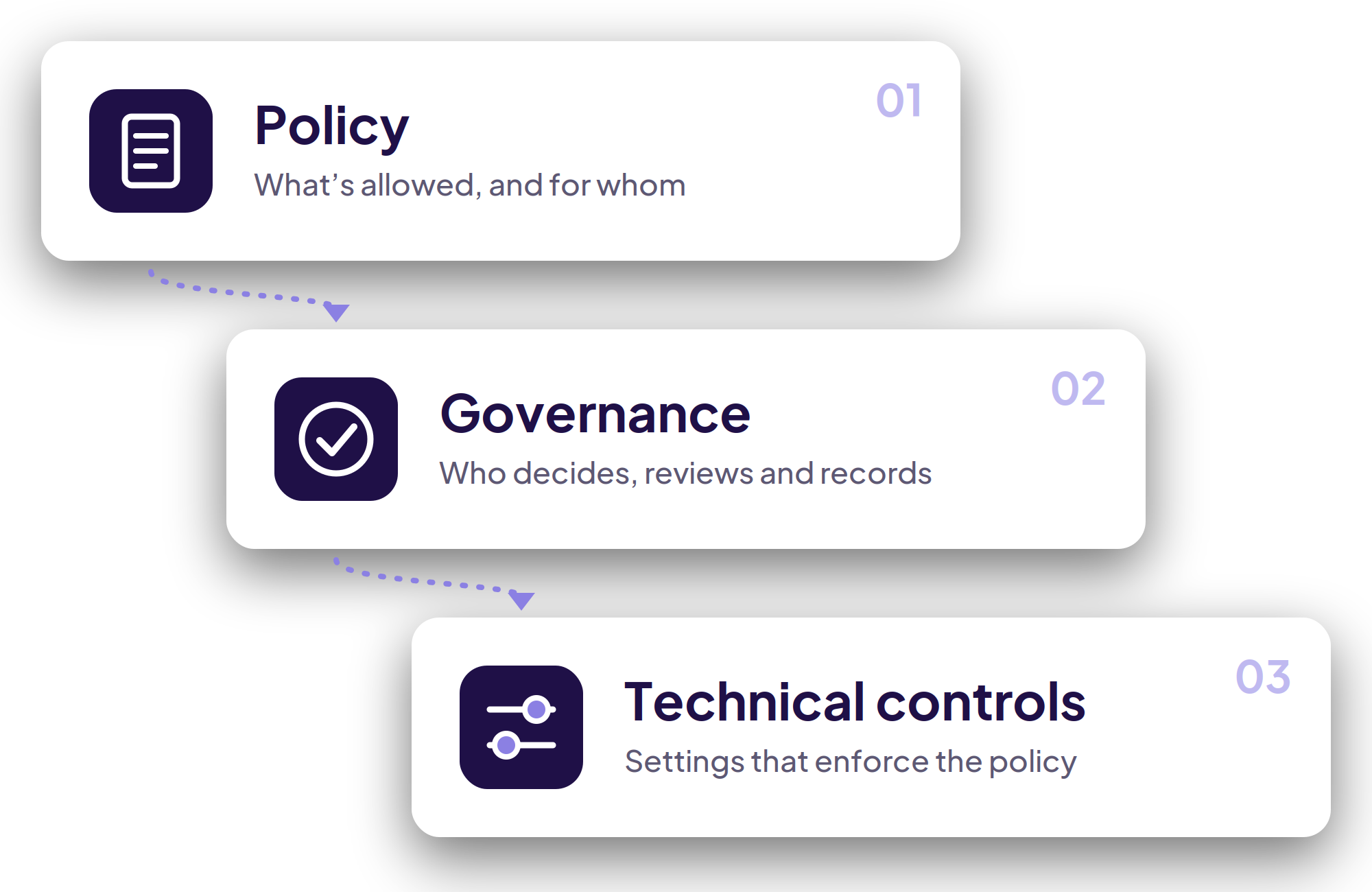
Policy
An acceptable use policy for staff and pupils that fits your safeguarding policy.
Policy
An acceptable use policy for staff and pupils that fits your safeguarding policy.
Governance
Who approves which tools, how they’re reviewed and how the risks are recorded.
Governance
Who approves which tools, how they’re reviewed and how the risks are recorded.
Technical controls
Filtering, monitoring and Microsoft 365 settings that decide what pupils can reach.
Technical controls
Filtering, monitoring and Microsoft 365 settings that decide what pupils can reach.
A policy is only as good as the settings behind it.

From policy to practice
We start with where your school is now: which tools are in use, who uses them and what your current policies say. Then we help you decide what to allow, write it down, and make your systems match it.
Age limits applied
Many consumer tools set minimum ages. We help you apply them for younger pupils.
Monitoring that matches
Your filtering and monitoring extended to cover chatbots and similar tools.
Who it helps
Advice for everyone who signs it off
Leaders get a clear position, DSLs get controls that match the policy, and IT gets the settings to enforce it.

Useful whether or not you choose Trigpoint
Advice that stands on its own
Our consultancy isn’t a route to a sale. The policy, governance and controls we help you put in place work whichever tools your school decides to allow.
That means deciding what to allow as well as what to restrict. Some schools will approve a general-purpose assistant for staff and restrict it for pupils, while others will want one platform for everyone. We’ll set out the options, the safeguarding and data protection questions each one raises, and what your filtering and monitoring needs to do to match, within your existing duties under Keeping Children Safe in Education.

Your policy,
and settings to match.
Talk to us about consultancy
Not sure where to start?
Tell us what you have in place now and what’s worrying you. We’ll suggest where to begin, and give you a straight answer if you don’t need us.
A first review
We’ll look at your current policy and settings, then suggest next steps.
Get the paperwork
Ask for an outline of how we work and what each stage involves.
Trigpoint for your school
Each person who signs off on Trigpoint needs a different reassurance. Start with yours.